Popover
Provide users additional context or information without interrupting their primary task or workflow.
A popover is an overlay surface that appears on top of the current interface. You can use different types of popovers: with a title and close button, actions, or as a surface with custom content.
 View in Storybook
Usage
- Use popovers to display additional context, options, settings, or filters.
- Use popovers to combine interactive elements like buttons, links, and inputs. If you want to display non-interactive content, consider using a Tooltip instead.
Behavior
- The popover can be triggered on click and usually appears under the element that triggered it.
- Users can close the popover by clicking outside of it or selecting its close button.
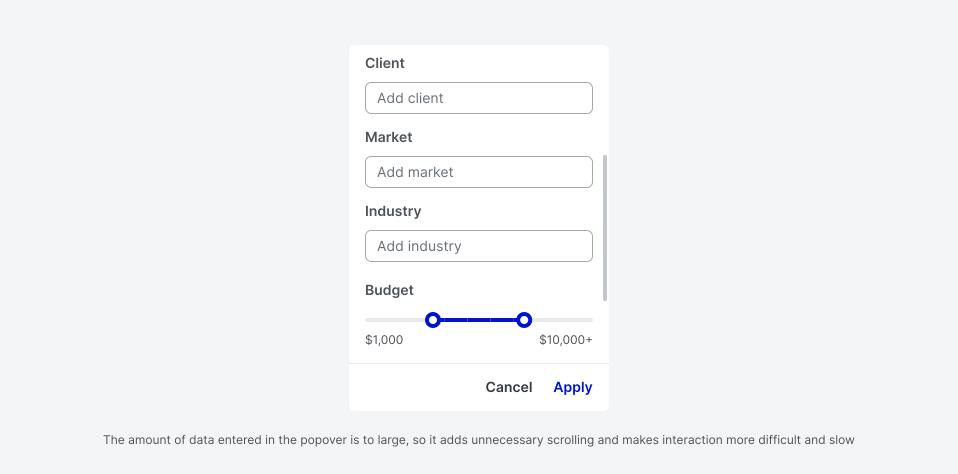
- If the popover content doesn't fit inside of it, its header and footer stick to the window edges, and the content area becomes scrollable.
- The maximum popover width should be 440 px. If you need a wider surface, consider using a Modal instead.
Best practices
- Avoid using too many actions and inputs in a single popover.
- Avoid using popovers for critical, task-focused interactions that require user input. Consider using modals instead.
 Do
Do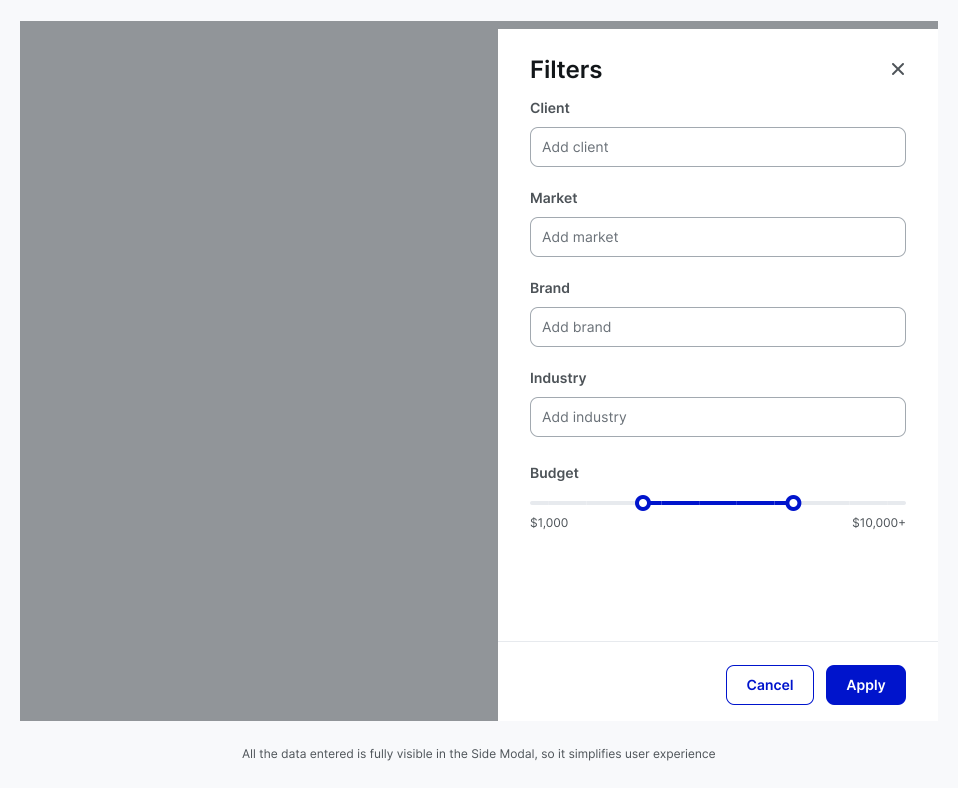
 Don't
Don't