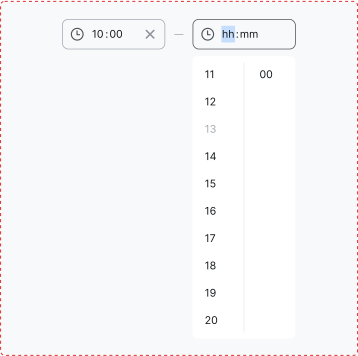
Time picker
Select a time input in a structured format.
 View in Storybook
Variants
Time picker comes with two variants:
- S size and M size.
Behavior
-
Allows users to select a time in a 24-hour format.
-
Activates when the user interacts with the Time Picker, enabling manual input or selection from available hour and minute options.
-
Automatically scrolls the selected value to the top of the dropdown for better visibility.
-
Clicking outside the component closes the dropdown and applies the selected value.
- Allows configurable dropdown intervals of 1, 5, 10, or 15 minutes, depending on the use case.
- For manual time entry, the entered time automatically adjusts to the nearest available option from the dropdown intervals.
Usage
Use for precise time selection.
Best practices
If you want to provide a control that switches a state on and off, consider using a Toggle.
 Do
Do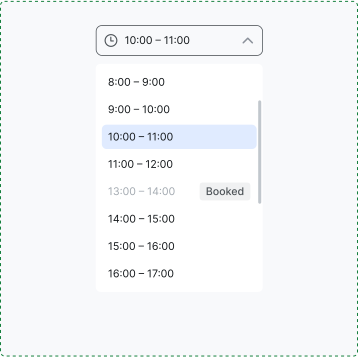
 Don't
Don't