Search
Enable users to search content through keywords, phrases, and other search criteria.
 View in Storybook
Usage
- Help users quickly find information in large data sets, such as a Table.
- Implement on-page or globally as additional means of navigation.
Placement
Place the search consistently throughout all app pages. We recommend placing it in the upper-left of your page layout.
Size
The search comes in two sizes: S (32 px in height) and M (40 px in height):
- Size M is the default and most commonly used option.
- Size S will work better in a Modal, Popover, components with limited vertical space, or sparingly with other S-sized components (Button, Select, and so on).
Best practices
- Avoid using search when users can easily navigate the proposed page or data set through other means.
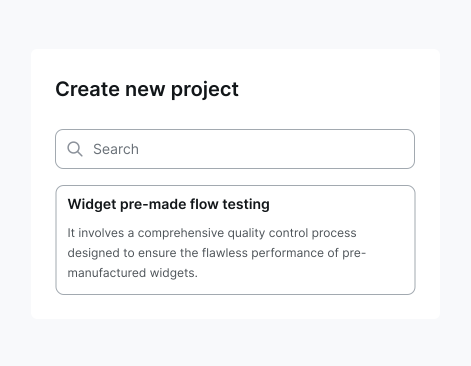
- Use a clear and concise search placeholder to hint users towards what they can find. Avoid using generic placeholders, such as search or find.
- Enable suggested results and highlight search queries for more straightforward interactions.
 Do
Do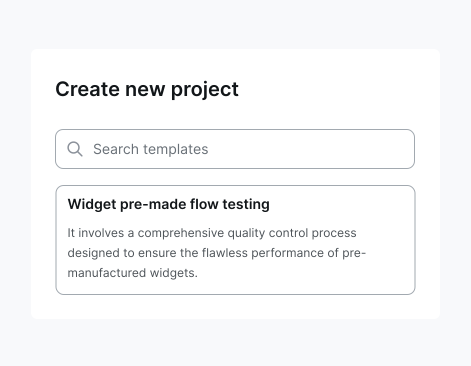
 Don't
Don't