Vue boilerplate guide
Our Vue boilerplate will help you to quickly start developing robust products for Open OS. The boilerplate leverages Open Design System to ensure consistency in design and development.
Prerequisites
For smooth development experience, use NodeJS v16+.
# Check your current NodeJS version
node --version
Install and run
#1 Clone the boilerplate and go to the directory that cointains it
git clone https://github.com/WPPOpen/os-vue-app-boilerplate

#2 Create your own .yarnrc.yml
cp .yarnrc.tmpl.yml .yarnrc.yml

#3 Install dependencies
yarn install

#4 Start your product in the dev env
yarn run start:dev

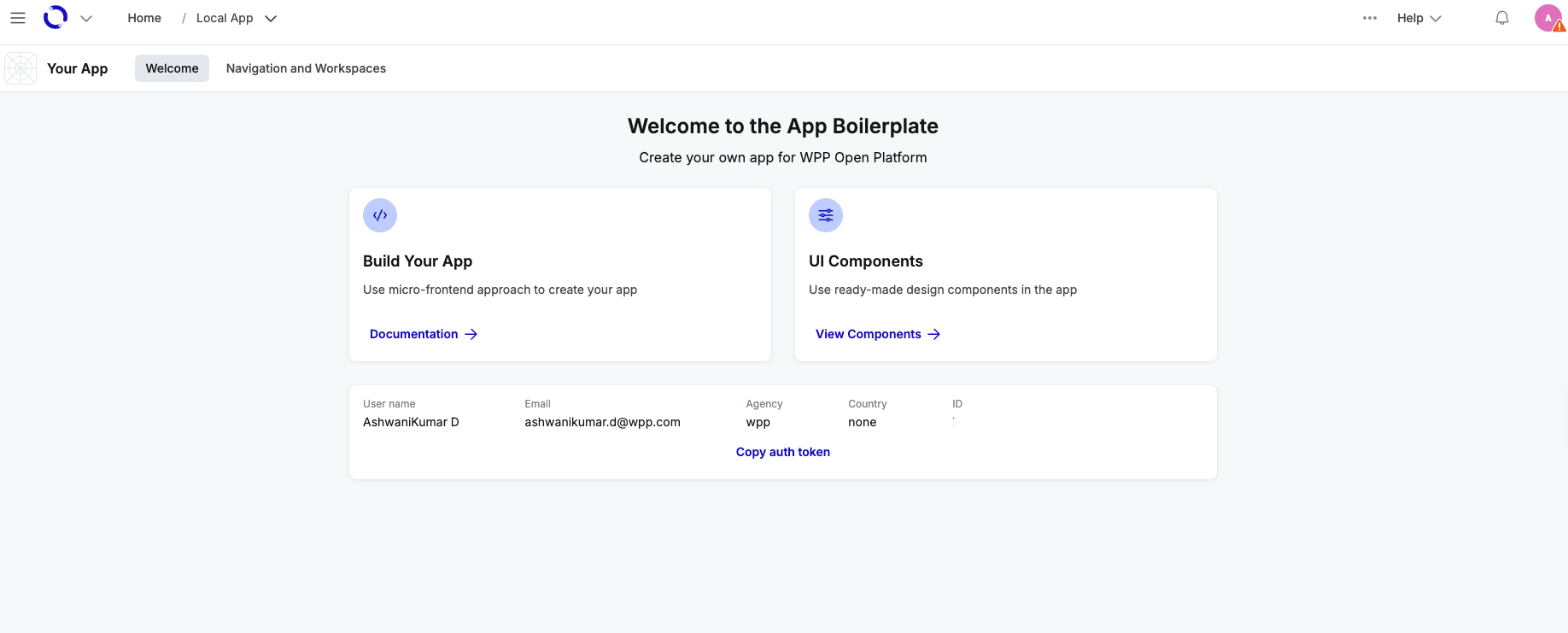
#5 Open you product as a micro-frontend in Open OS
https://wpp.wpp-stage.os-dev.io/local/5173/esm/main
Open OS runs your product as a micro-frontend under the WPP workspace.
For Mac users, if you are facing an issue with the loading of the Open OS workspace on safari, switch your browser to Chrome/Firefox/Edge.
-
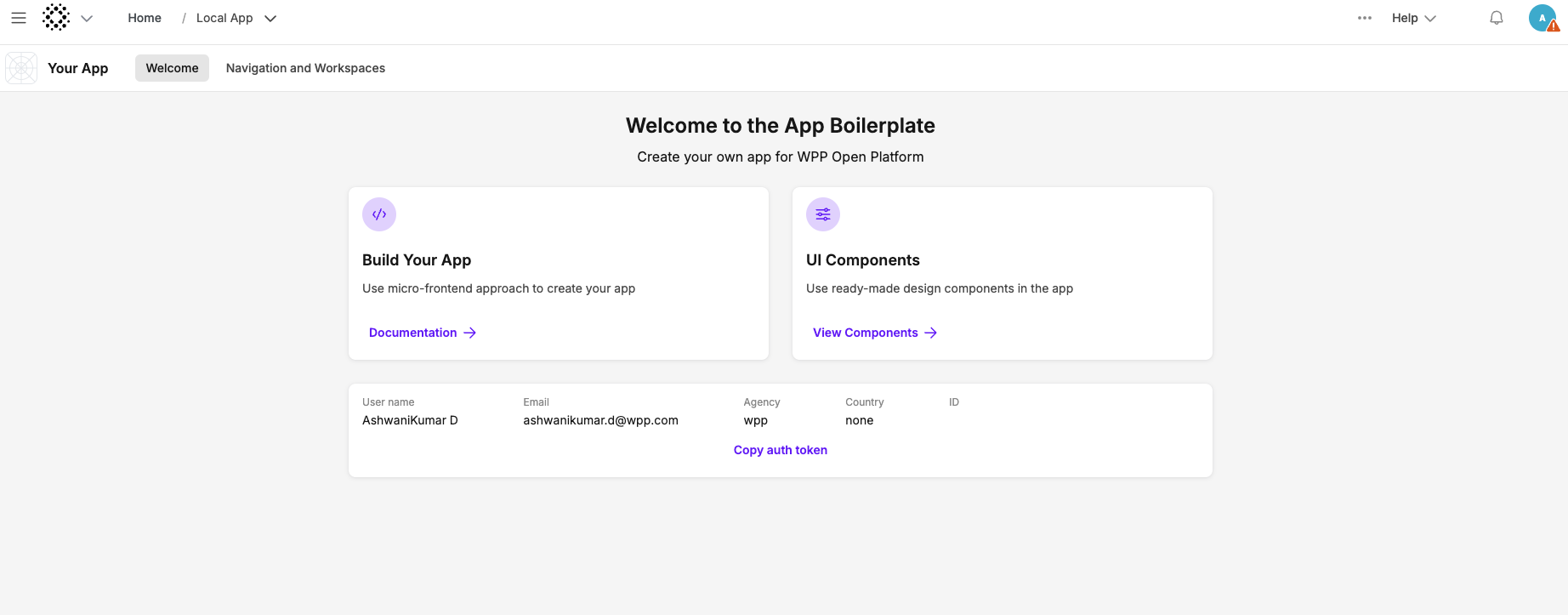
To switch to a different workspace, in the product URL, change the workspace prefix.
# From
https://WPP.os.wpp.com/local/8500/sjs/main

# To
https://CHOREOGRAPH.os.wpp.com/local/8500/sjs/main
Switching to a different workspace changes the product theme to that workspace's theme.
-
To run your product under a specific hierarchy level, add the hierarchy ID to the workspace URL.
https://choreograph.os.wpp.com/w/f96a0dff-9435-47d4-9955-71bd24999077/local/5173/esm/main
Build your app
# Create a production build
yarn build
This creates a production bundle in the dist directory, which you can use to deploy your product.