Delete your product
Follow these steps to offboard (delete) a product in DevHub:
- In DevHub, go to the My products view.
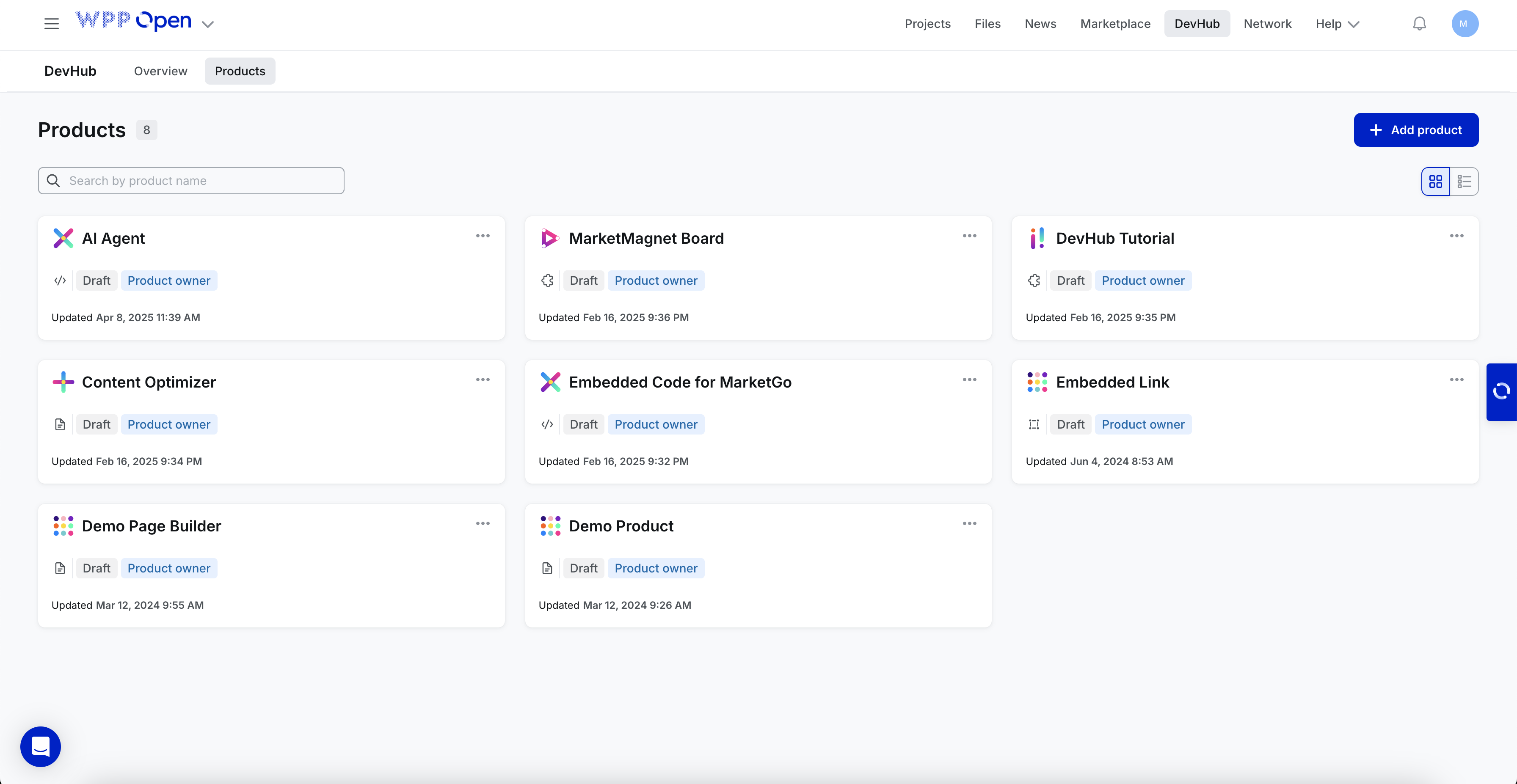
- Select the Product:
- Locate the card for the product you want to offboard.
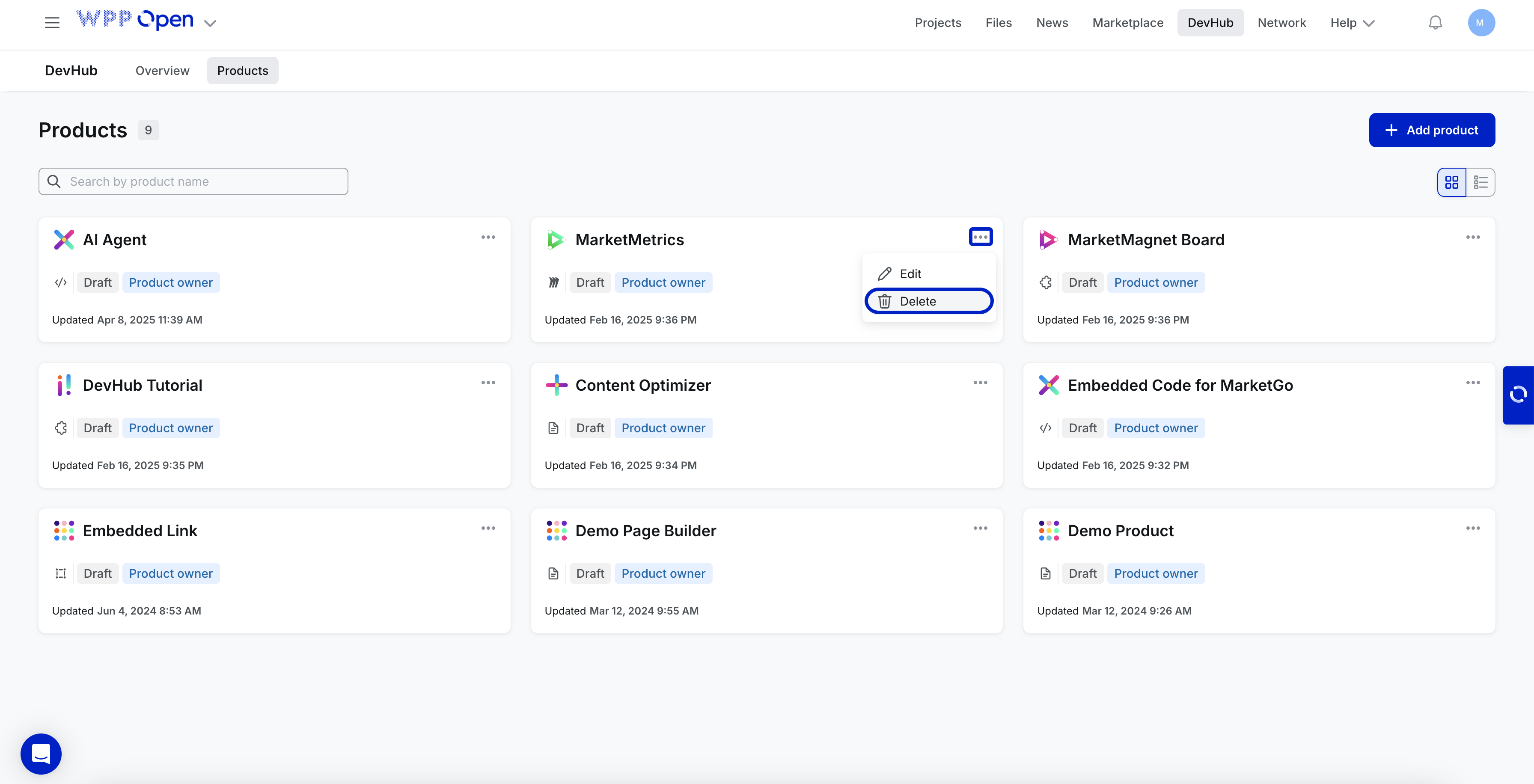
- Click the three dots (⋯) in the top-right corner of the product card.
-
Select the Delete option from the dropdown menu.
-
A confirmation message will appear asking: "Are you sure you want to delete the app?" Click Delete again to confirm.

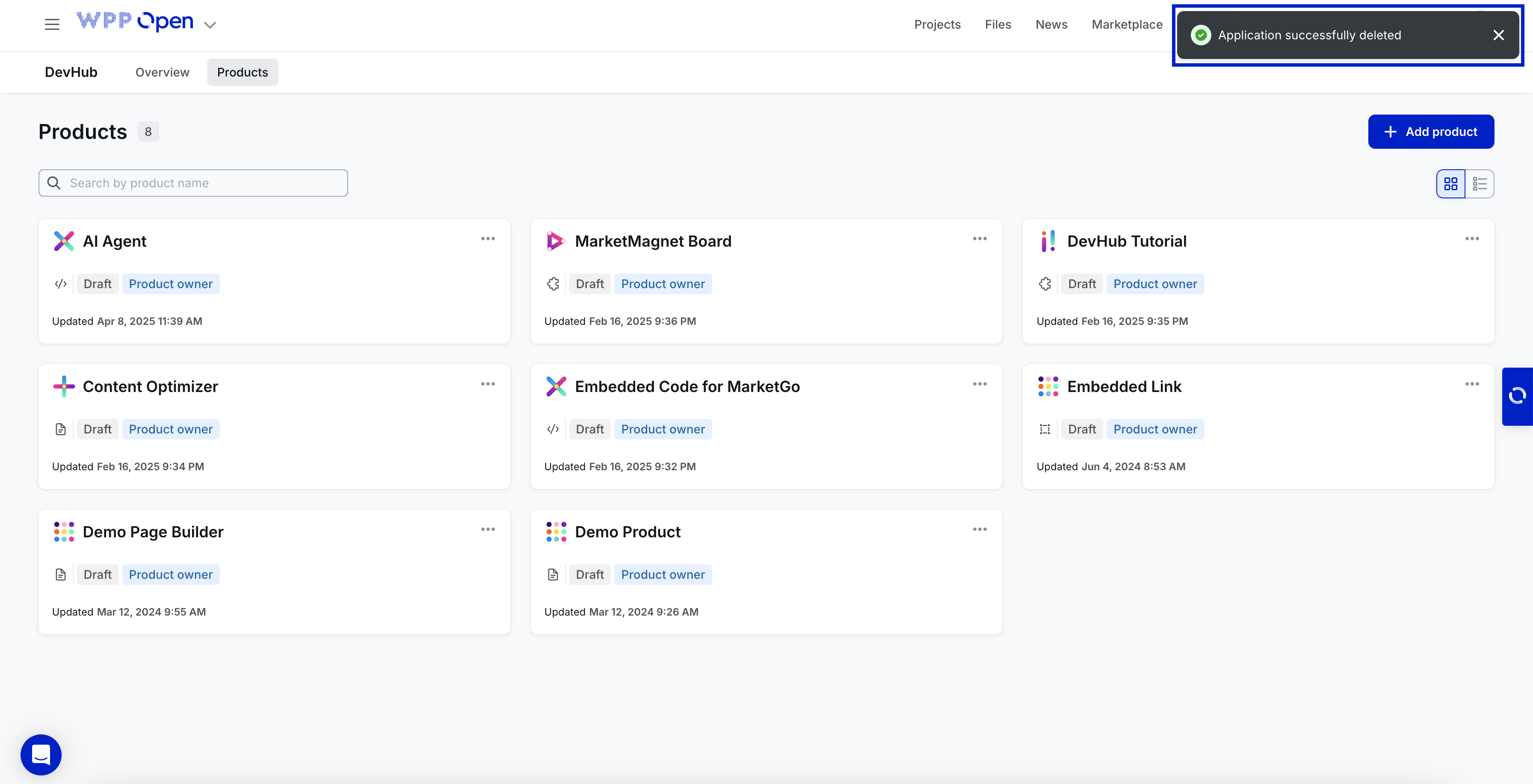
After deletion, a confirmation message will appear in the top-right corner, indicating successful deletion.
important
If the project owner wants to remove the application from a specific project, they can simply remove it from the Canvas tab. If the product needs to be removed from all existing projects, the process is more complex. A support ticket to request its removal must be submitted via Intercom.