How Open OS runs products
Running products means displaying them in Open OS. To run a product, all primary systems within Open OS work together, and we can generally break this process down into three steps: onboarding, contextualization, and running.
Systems involved
As discussed in Product path to Open OS, each newly developed product goes through DevHub to Marketplace before users can interact with it in Open OS. On top of DevHub and Marketplace, the other systems involved include Navigation Tree, Orchestration (as a system), App Config, and Root App.
Navigation Tree
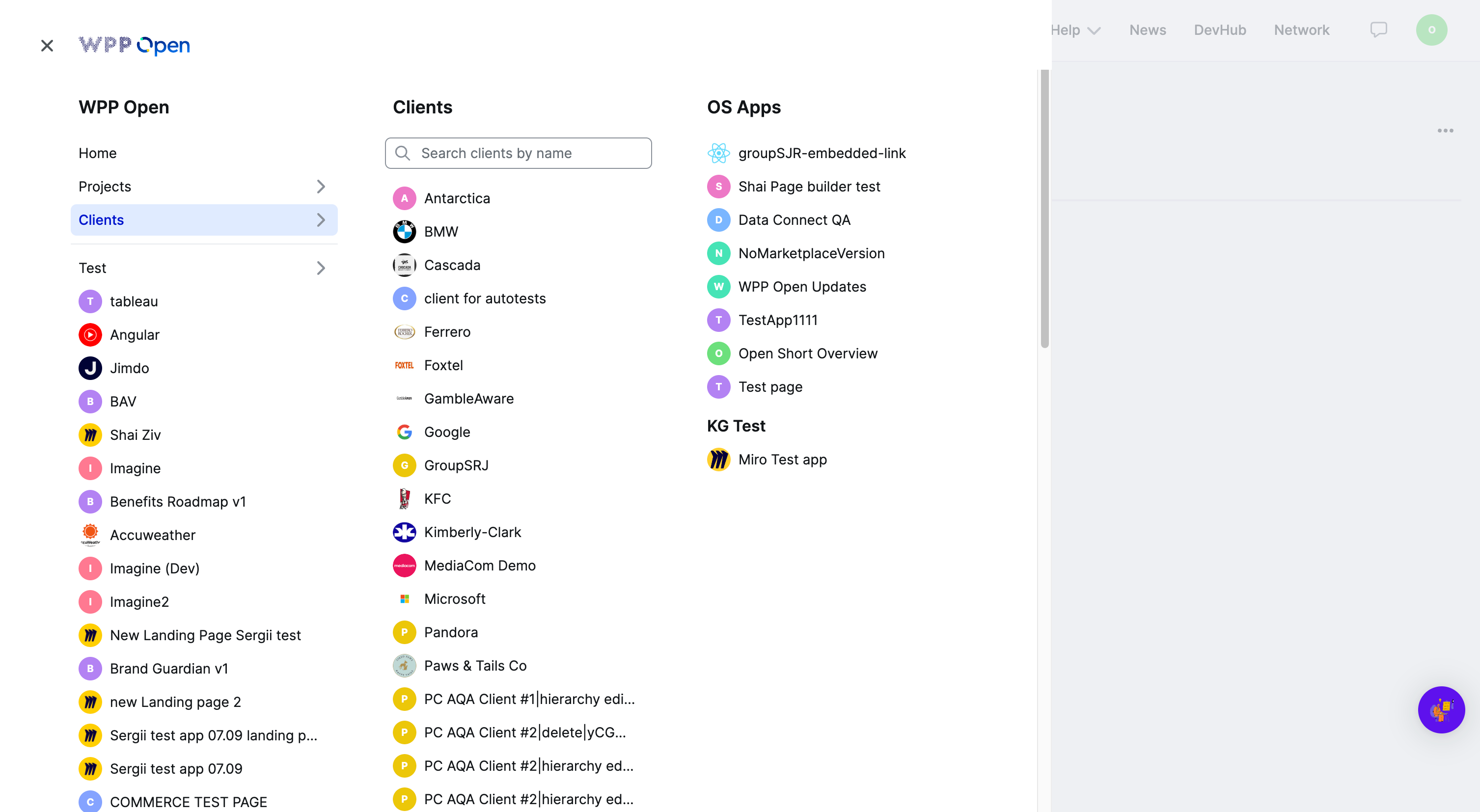
Each workspace has customizable navigation that can adapt to address specific needs. This navigation works based on the Navigation Tree system—an Open OS module responsible for the workspace structure and hierarchy.
See Open OS context to learn more about the Navigation Tree and hierarchy.
Orchestration
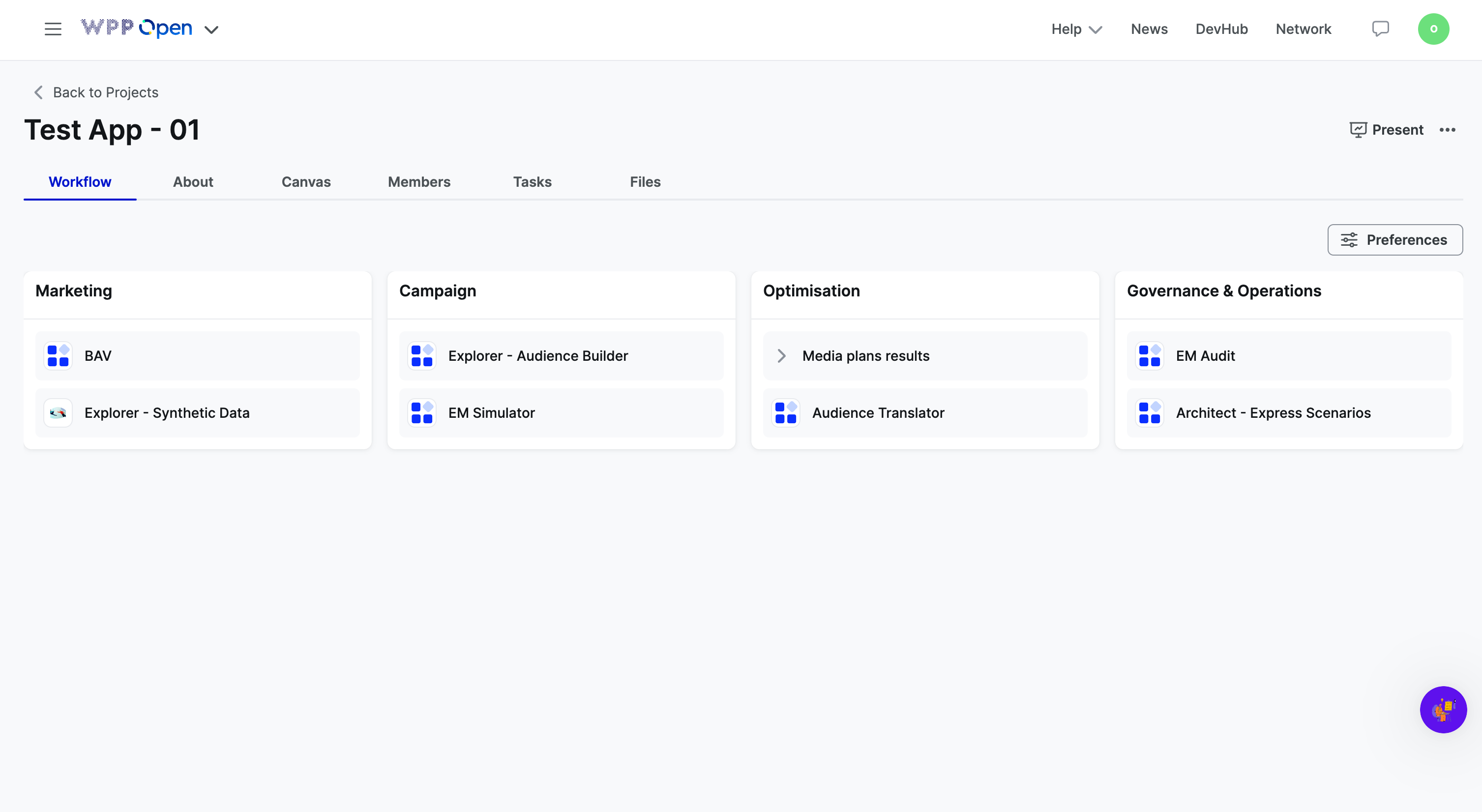
Orchestration is a system that allows Open OS users to organize, plan, and manage projects. In terms of running products, Orchestration uses the same context structure as Navigation Tree and aligns with its hierarchy.
App Config
App Config is a system that preserves the workspace- and project-specific instances of your product's configuration in combination with their required Open OS context. These instances combine input from the Navigation Tree and Orchestration.
Root App
Root App is a system responsible for displaying your product in Open OS based on its configuration and context. Root App pulls the necessary product instance from the App Config service and displays it to the Open OS users.
Stages of running products
Onboarding
When onboarding products through DevHub, development teams have to specify two sets of data: marketing and configuration. Once the product is published, this data is stored in DevHub and becomes available to other services (Navigation Tree, Orchestration, and Marketplace) through the DevHub API.
You can publish products to all or selected workspaces. Once your product is published, Navigation Tree and Orchestration will create workspace-specific product instances to incorporate its required Open OS context (if any).
On the other hand, Marketplace is workspace-agnostic, so it receives marketing data about every product onboarded through DevHub.
Contextualization
At this stage, Navigation Tree and Orchestration receive lists of products available for every workspace in WPP Open. Using the product configuration metadata and the required Open OS context, they create separate product instances in App Config.
From then on, your product is run directly from the instances stored in App Config. To change the product configuration, you need to update its details and publish it again through DevHub.
Running
Root App is the primary system that runs products in Open OS.
Root App takes the necessary product context ID from App Config when a user opens a product. Then, it uses internal APIs to run the product according to its product type (as a micro-app, an IFrame, an external link, etc.)
As all products are hosted outside Open OS, Root App runs them as micro-frontends.