Version 3.2.0
Supports: React v17-18 • Angular v19-20 • Vue v3
Welcome to the WPP Open Design System v.3.2.0! This release introduces updates and bug fixes to our components library. Read on to learn more!
Resources
You can download icons, foundations, and components from the Open Design System v.3.2.0.


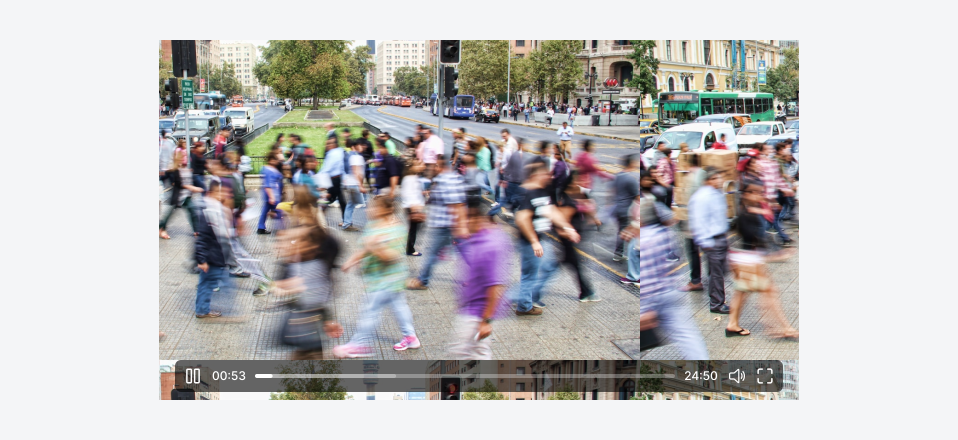
New component: Video player
- Introduced a new component, the Video Player, that allows users to play media content.
Updates and improvements
Development specific
-
DS: Upgraded support for Angular v19 and v20. From v3.2.0 onwards, these are the only supported Angular versions.
-
Chat: Enhanced AI chat box functionality to automatically recognise and display pasted images as attachments within the conversation thread.
-
List item: Enhanced ListItem where developers can now change typography types and customise colour for the Label and Caption of the component.
-
Combined select: Updated CombinedSelect to integrate the WppInput component instead of the native input component, enabling mask support for its input field through a new maskOptions property. The maskOptions allow developers to pass different mask configurations to the input.
-
Top bar: Updated WppTopbar's z-index value, centralising it with other zIndex values to resolve layering conflicts with components such as SideModal.
-
Storybook: Updated the examples for "React", "Angular" and "Vue" for full-screen modal components.
-
Inline edit: Enhanced Inline editing with Improved error handling:
-
Invalid inline edits now trigger clear visual error states.
-
Added contextual error tooltips that reveal a detailed error message when hovering over an error indicator.
-
-
Back to top: Updated the colour of the back-to-top button to align with the rest of the design system components.
-
Input: Corrected an issue where the raw value of text fields was not preserving whitespace characters. The system now correctly stores all input, including spaces.
-
Table header: Updated the Table header component to support displaying texts in two lines.
-
Icon: Lighten the colour of the tag icons compared to the text.
-
Tag: Updated the opacity value of the white layer behind the grey coloured tag to 80% from 40%.
-
Video player: Updated the icon for the video player to the filled versions.
-
Ag grid: Introduced a new table sort icon and new states.
-
File upload: Updated the single file-upload component's behaviour—allowing multiple uploads. Now, it no longer disables after a single file upload; however, uploading more than one file results in an error state.
Figma libraries
-
Back to top: Updated the colour of the back-to-top button to align with the rest of the design system components.
-
Full-screen modal: Updated the full-screen modal size in Figma to 95%.
-
Icon: Lighten the colour of the tag icons compared to the text.
-
Video player: Updated the icon for the video player.
-
Table AG grid: Introduced a new table sort icon and new states.
Bug fixes
Development specific
-
Achieved WCAG AA compliance level for the following components:
-
Stepper: Resolved an issue to add a connecting line between the last step and its substeps.
-
Inline message: Replaced the unused maxMessageLength control with the relevant showTooltipFrom property in the inline message story to accurately reflect the component properties.
-
Chat: Displayed an error message "File limit reached" when a user tries to upload more files than the allowed limit.
-
Inline edit: Resolved a bug with the appearance inconsistency when they were appended to their parent elements. Now, the inline editing dropdown displays correctly in all scenarios.
-
-
Fixed an issue in the range datepicker where typing a date with the same month and day but a different year prevented correct start date selection. All dates can now be accurately entered and selected.
-
Fixed an issue with the onBlur event—now, the onBlur event for the input fields fires only when users click outside the datepicker component; that means outside of both the input and the associated dropdown component.
-
-
Modal: Applied design system scrollable styles on Modals.
Figma libraries
-
DS: Updated the alerts structures.
-
Icon: Updated icon strokes to ensure consistent thickness across all icons.
-
Segmented control: Resolved an issue with the border of the Segmented control component.
-
File upload: Truncated error states in Figma.